Start with the image’s purpose
A useful image description begins with a question: what would a reader miss if this image were unavailable? The answer changes with the page. A photograph of an entrance might supply arrival information. The same photograph in an architectural feature might be there to show materials and form.
W3C’s alt-text decision tree makes context central to deciding how an image should be handled.
Alt text carries the necessary information
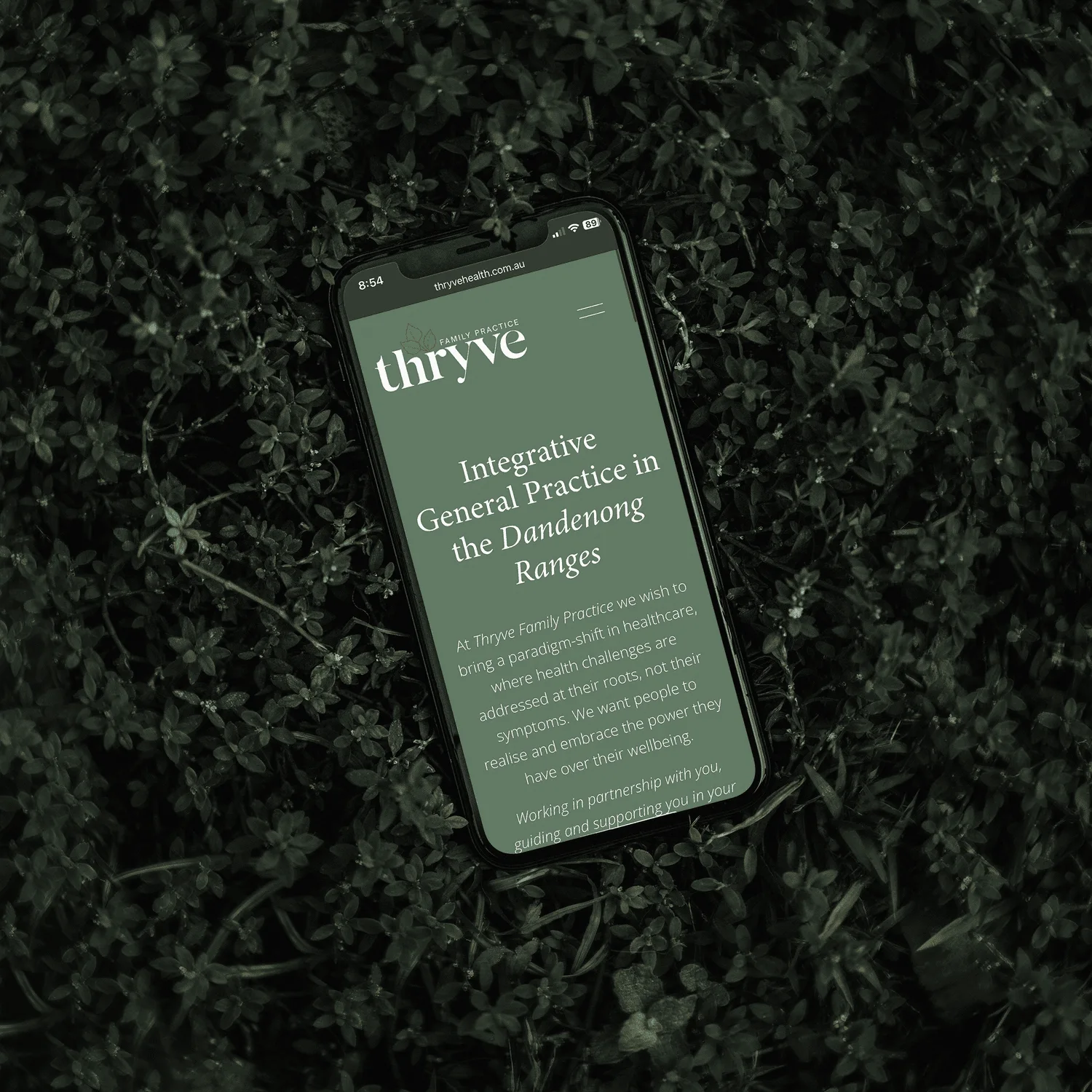
For an informative photograph, write a concise description of the content that matters to the surrounding text. In the example shown here, a useful description identifies a mobile website mockup, the practice name and its green-and-pale visual treatment.
‘Beautiful professional website design’ adds an opinion but little information. A list of search keywords is even less useful. The description should help a person understand the image’s contribution, rather than repeat the page’s marketing language.
A caption explains why the image is here
A visible caption can establish the project, location, date or relationship to the story. It can also distinguish an illustrative stock photograph from a photograph of the named place.
For the example in this article, the caption identifies the Thryve project and the publication’s connection to Vessel Studio. Those are contextual facts, while the alt text describes the visible design. The two fields work together without needing to be identical.
A credit identifies the creator and source
Keep the photographer or image provider’s name in the credit, with a link to the agreed source where appropriate. A credit should not be expanded into an unrelated promotional paragraph.
Rights information belongs in the publication’s records as well: who supplied the image, the permitted use and any conditions. Attribution is valuable, but adding a name does not by itself establish permission to publish an image.
Some images need a different treatment
W3C distinguishes informative, decorative and functional images. A purely decorative image may use empty alt text when it contributes no information. An image acting as the only content of a link or button needs a text alternative that explains its function. Complex information may need an explanation in the surrounding page, beyond a short image description.
The most useful final check is to read the page without relying on the pictures. Then read the captions and descriptions for duplication, unsupported assumptions and missing context. This guide is based on W3C’s published decision tree, checked in September 2026; the exact implementation should be reviewed in the working website.