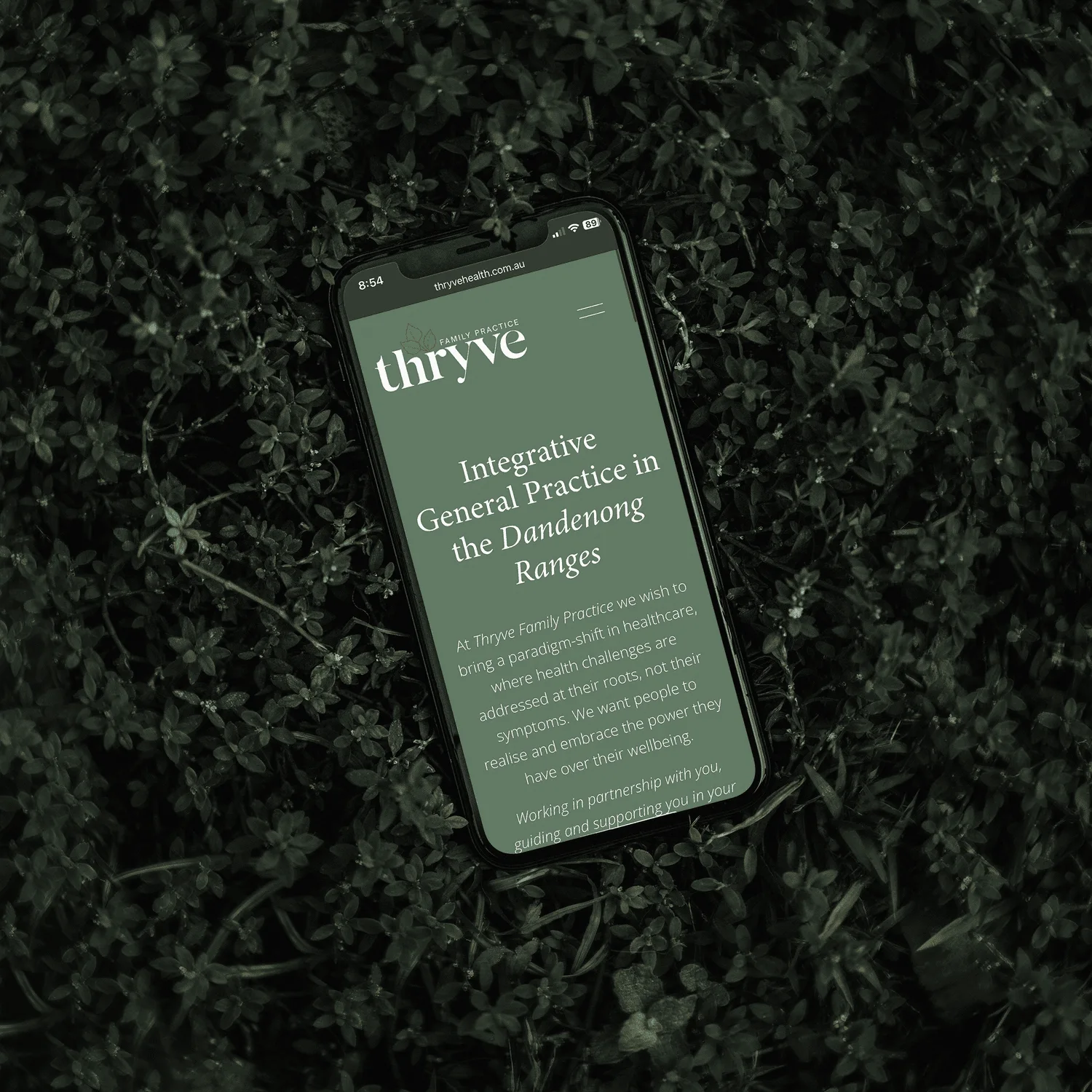
Read the page as an outline
Copy the headings from a service page into a blank document and read them without the paragraphs. Can you tell what the page offers and where the practical information belongs? If the outline consists of “Discover”, “Experience” and “More”, the page may look organised while saying very little.
Headings can do more useful work. “Website design for architects”, “What the project includes”, “Fees and timing” and “How to enquire” establish a route through a specific offer. They help a hurried reader choose a section without reading every sentence.
Give each heading a structural role
The W3C’s page-structure guidance explains that headings organise content by rank. A subsection belongs beneath the section it develops. Avoid jumping down from a second-level heading to a fourth-level heading simply because the latter has the desired font size.
A practical outline might use the page title at level one, “What the project includes” at level two, and “Content preparation” at level three. The next major section can return to level two. Visual styling and structural rank are separate decisions; a designer can change appearance without mislabelling the document.
Write headings that earn their space
Use the language a reader would use to name the subject. A heading such as “Before your first appointment” gives preparation details a clear home. “Our approach” is reasonable only when the following section actually explains how the work happens.
Avoid splitting a short passage into many tiny sections just to add keywords. Each heading should introduce a meaningful group of information. Repeated variations of the service name make the outline noisier and rarely answer an additional question.
Review the finished page in two ways
First, scan the visible page on a small screen. Check that a heading stays visually connected to the paragraph below it. Then inspect the actual heading structure through an accessibility tool or the browser’s document inspection features. Bold text can look like a heading without being marked up as one.
Ask someone unfamiliar with the business to find the price, preparation requirements and contact step. If those tasks are difficult, revise the labels or order before adding more decoration. A strong outline is useful precisely because it remains understandable when the visual styling is stripped away.